When closed testing started in June, Tether could read an article one word at a time and show you the whole page. That part worked. Most of what came after was the stuff around it: opening a messy PDF, finding something again a week later, knowing when you've actually finished a piece.
I also reset the version numbers before this release, so this one is 0.1.0-alpha.1. It's still an alpha, and it will still have rough edges. Here's what's different.
What's new, in 9 parts.
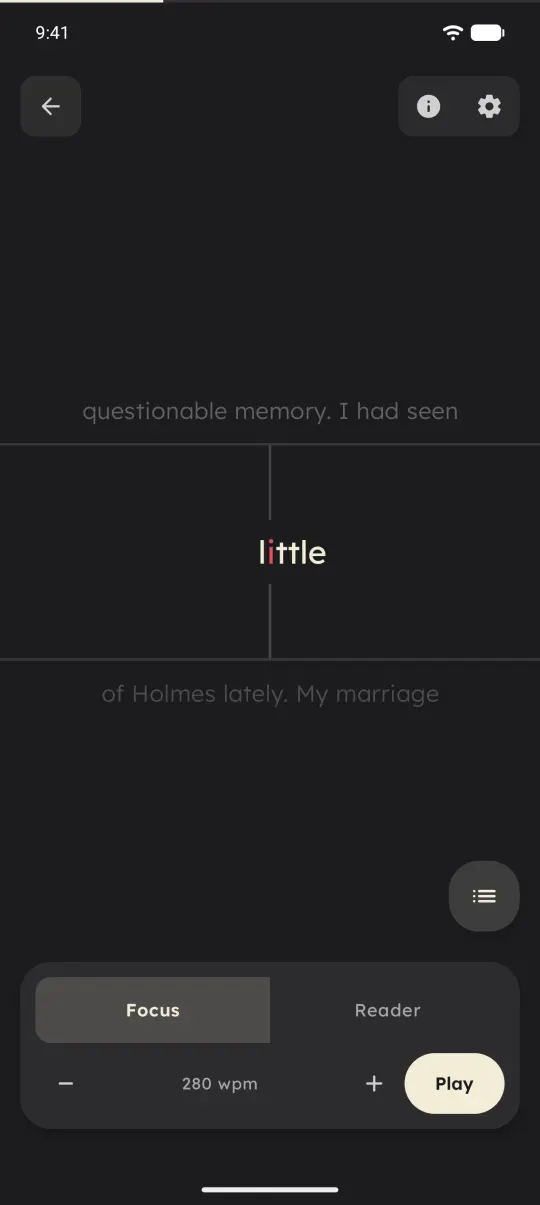
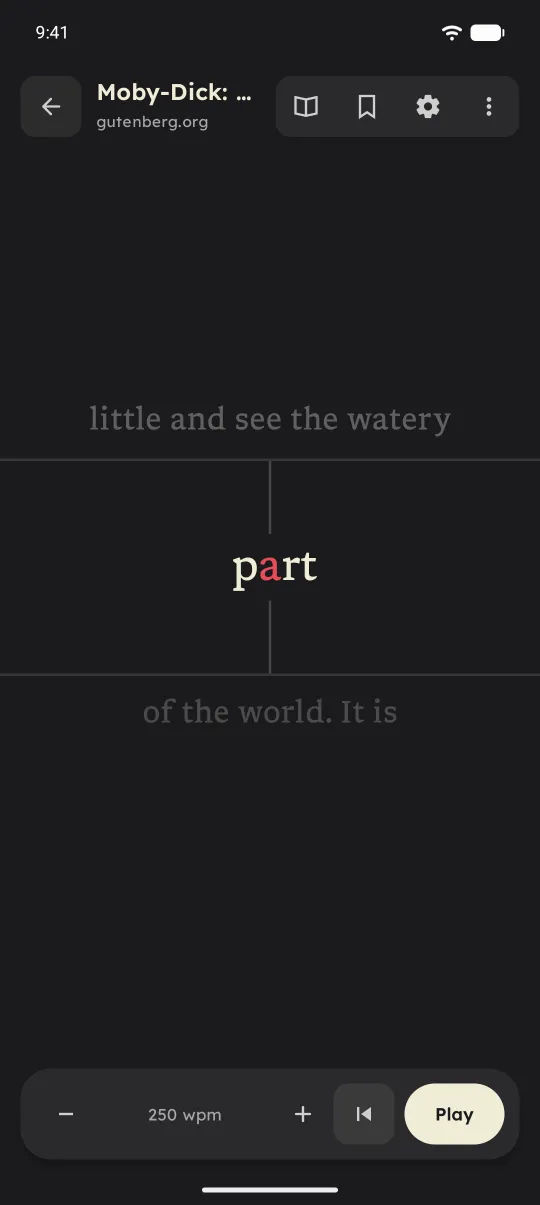
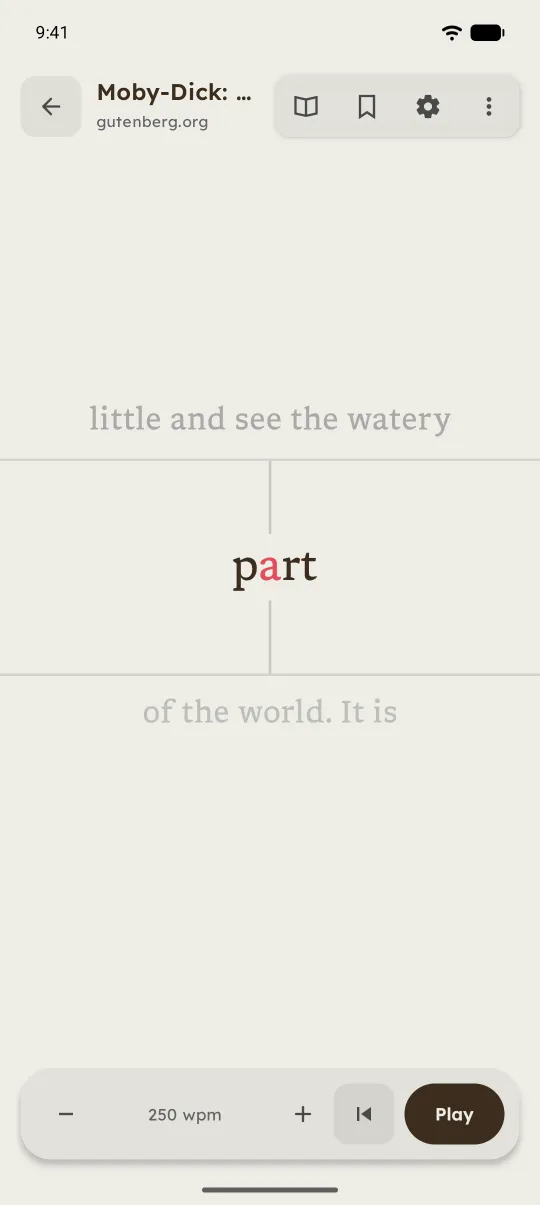
RSVP is now Focus Smarter word groups, Play and Pause, and a way to pick where to start.
"RSVP" was the technical name and nobody outside of reading research knows it, so the mode is called Focus now. It still shows one word, or a group of up to three, in one spot. Hold to read, lift to pause.
Grouping got smarter. Long words get a flash to themselves, and a group never runs past the end of a sentence. That's a display choice, not a claim you'll understand more. There are also visible Play and Pause buttons now, because holding your thumb on glass for ten minutes gets old. And a navigator lets you pick the exact word to start from anywhere in the document.
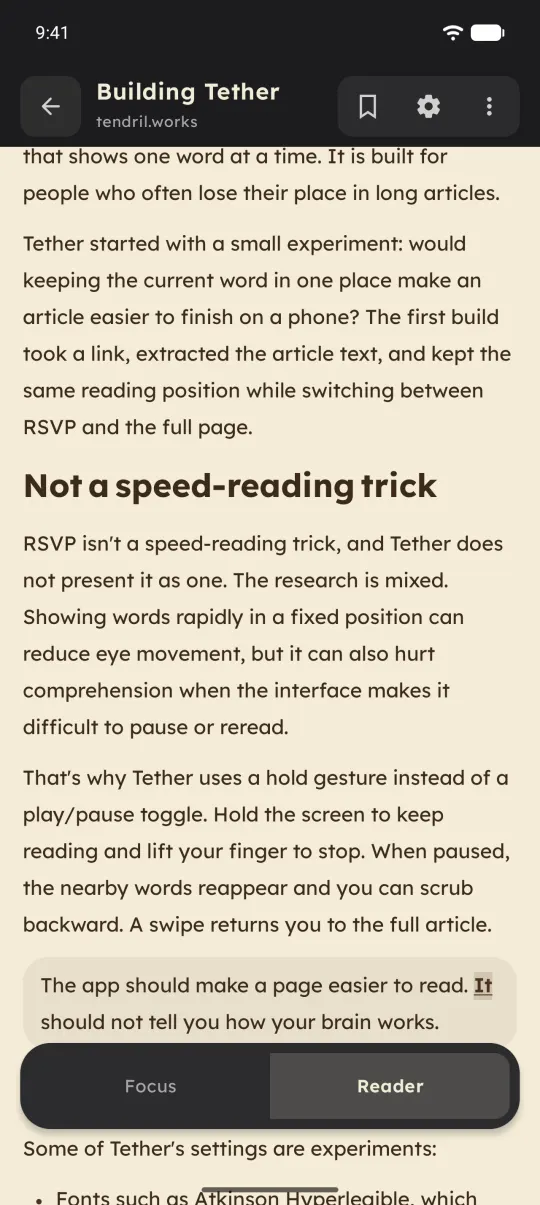
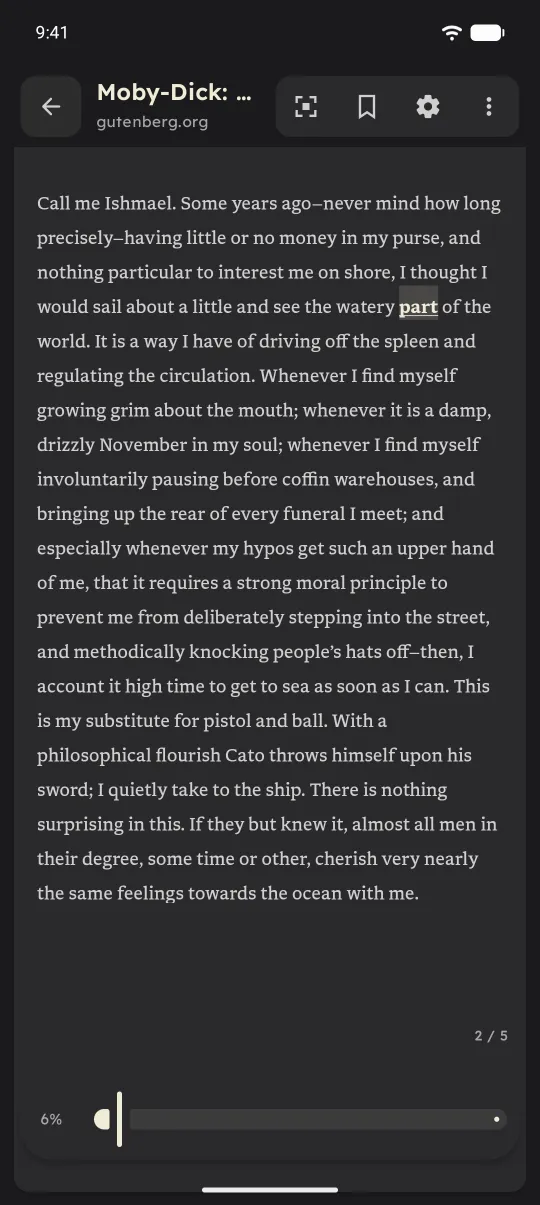
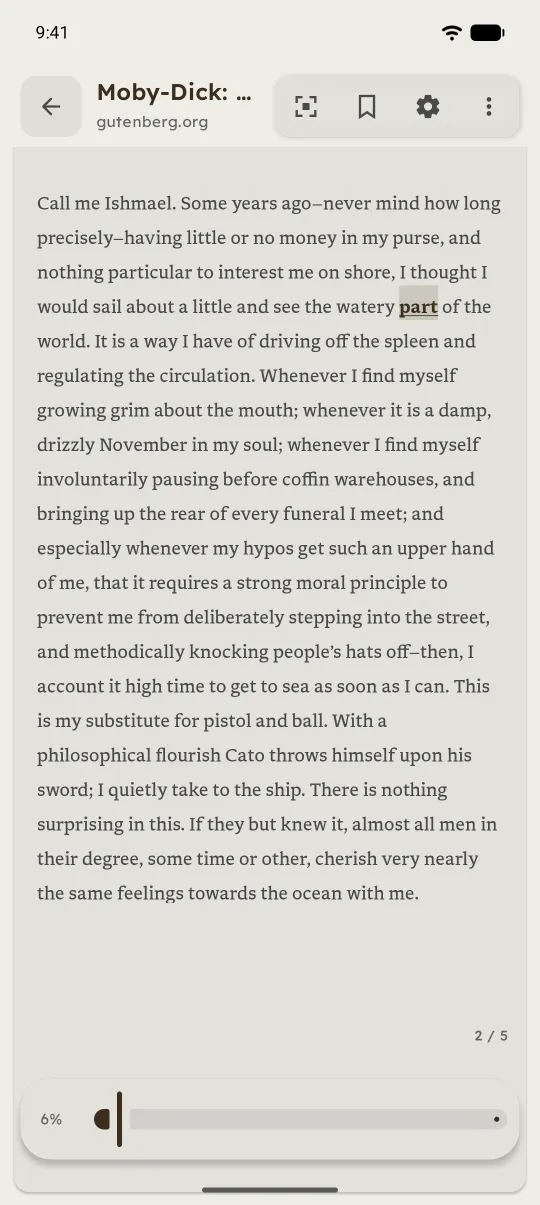
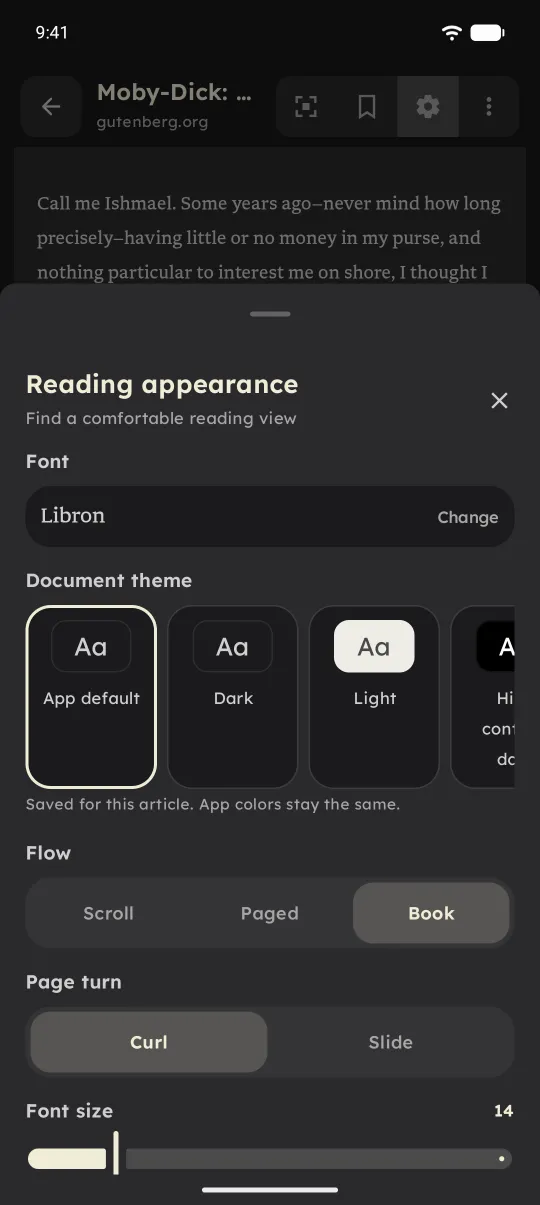
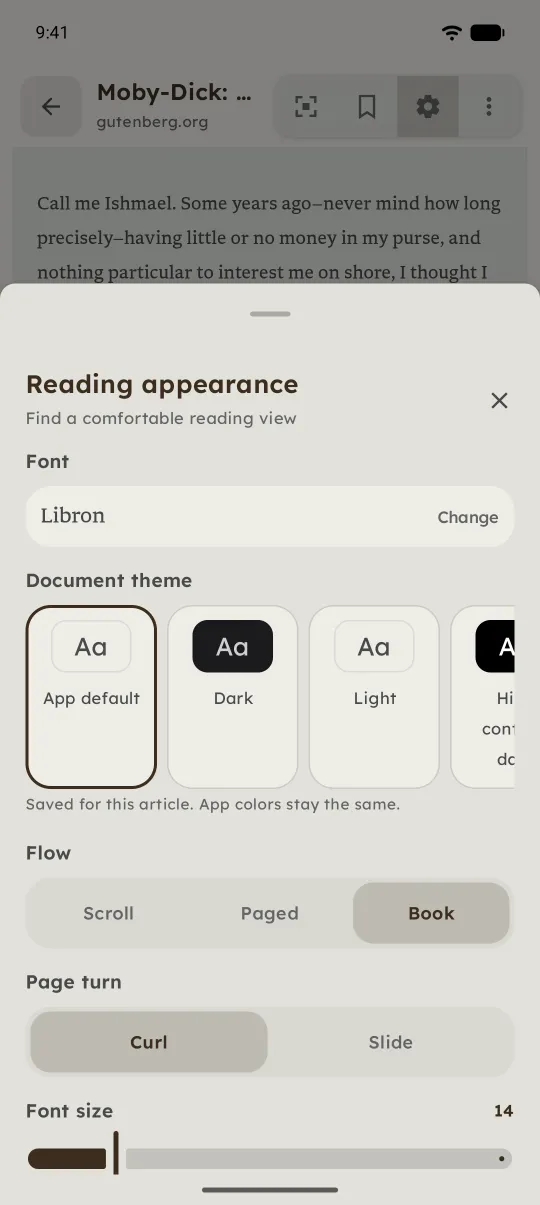
The full page does more of the work Articles open in Reader now, with layouts, themes and fonts per piece.
One change worth calling out: new articles now open in the full Reader by default, not Focus. Focus is still one tap away. Tap any word and it starts from there, so you can see the shape of a piece first and drop into Focus when your attention starts to slip.
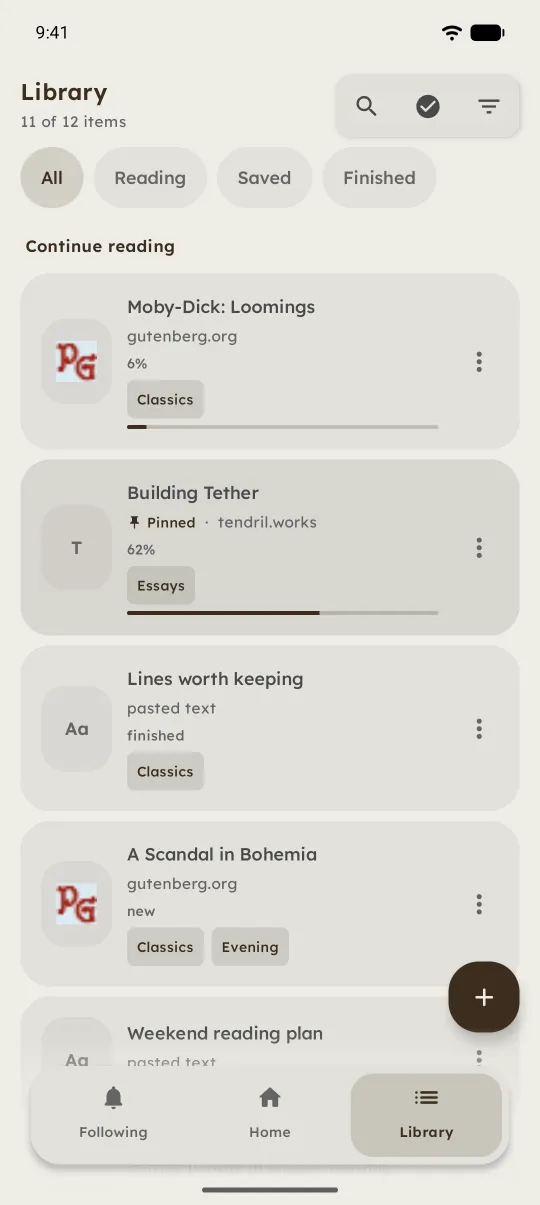
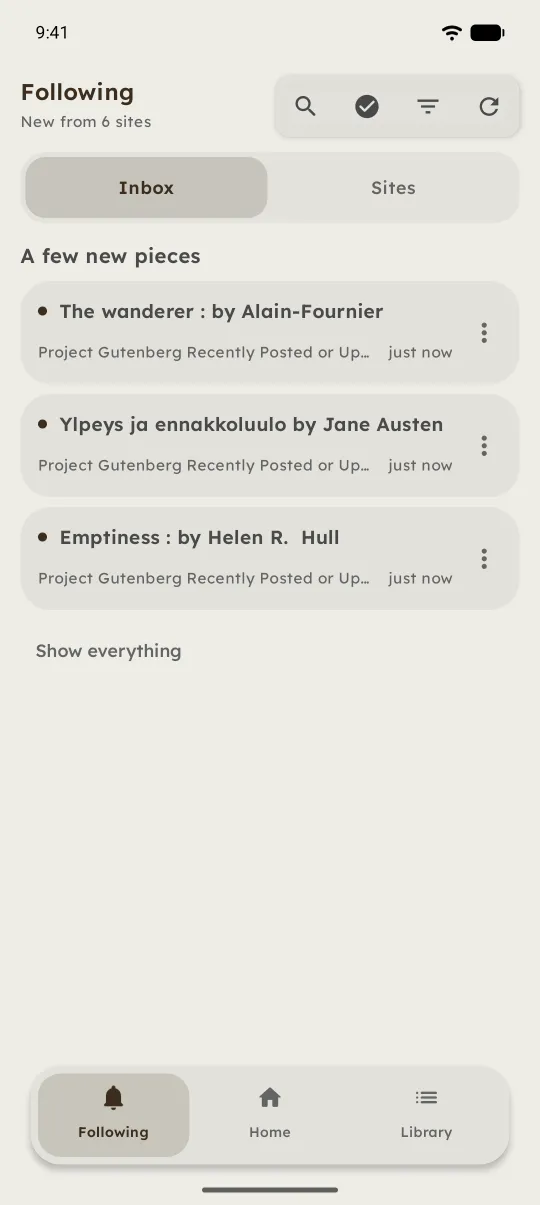
Reader has Scroll, Paged, and Book layouts, eight themes, and five fonts, including OpenDyslexic and Atkinson Hyperlegible. Any article can keep its own theme, so a dense one can sit on sepia while everything else stays dark. The controls slide away once you start reading and come back with a tap.
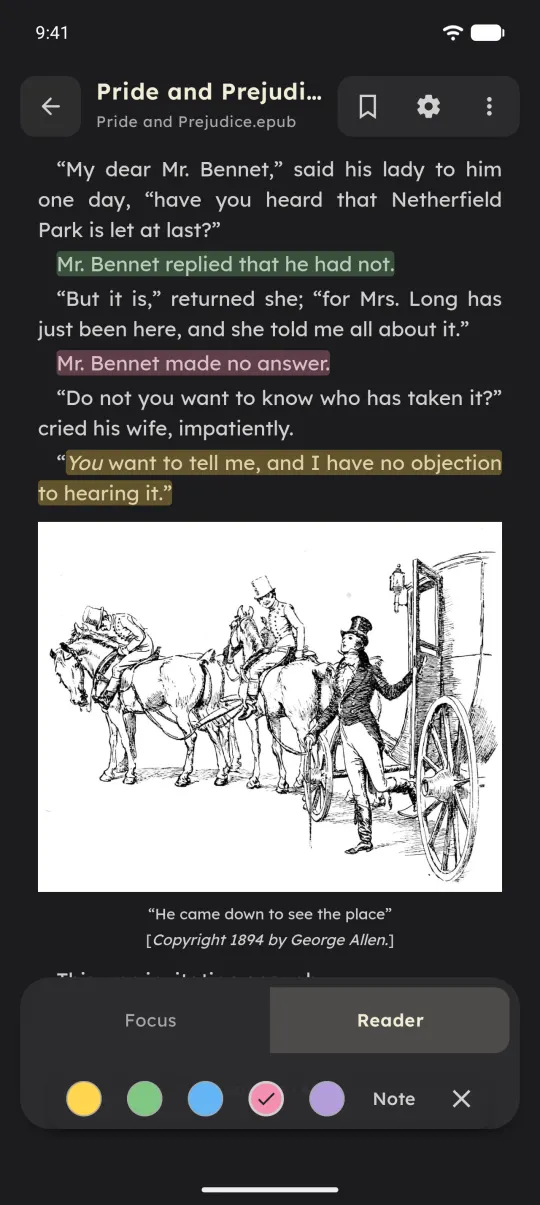
PDFs and EPUBs stay themselves Original layouts, highlights in five colours, and notes that never touch the file.
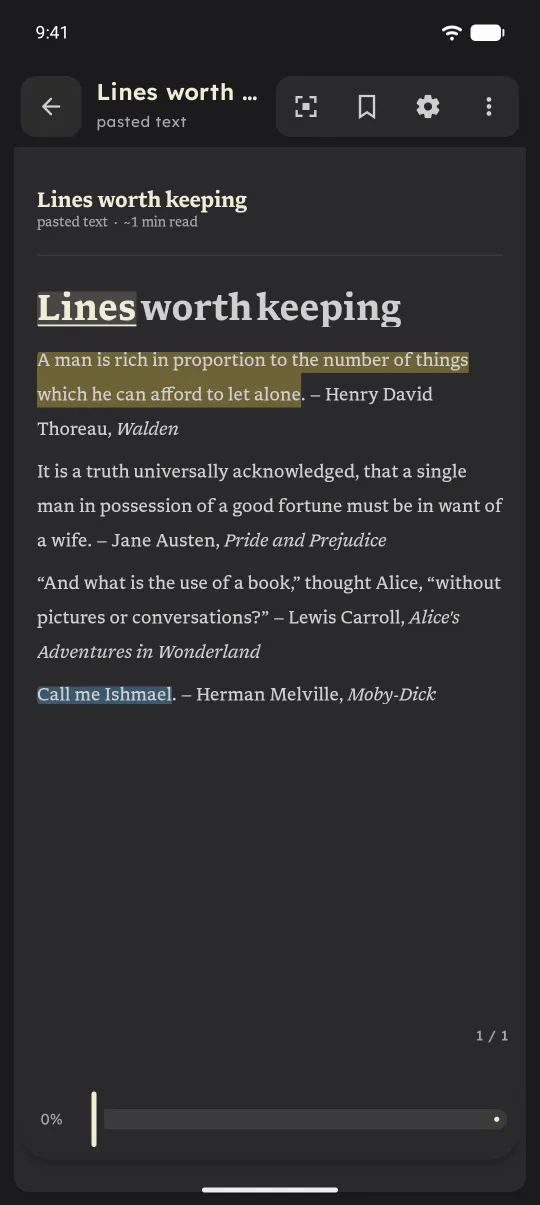
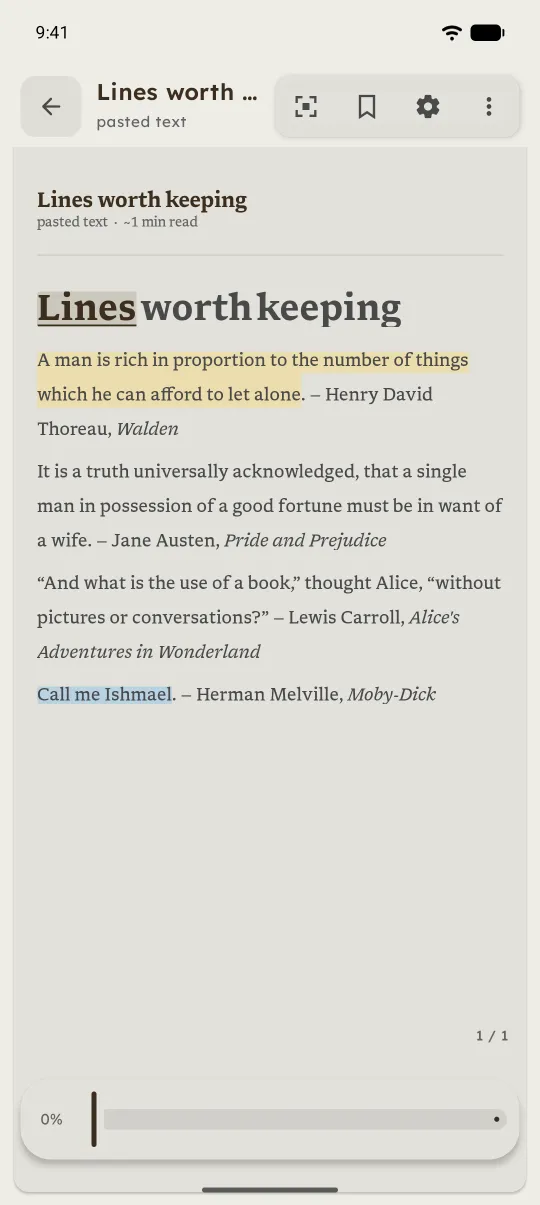
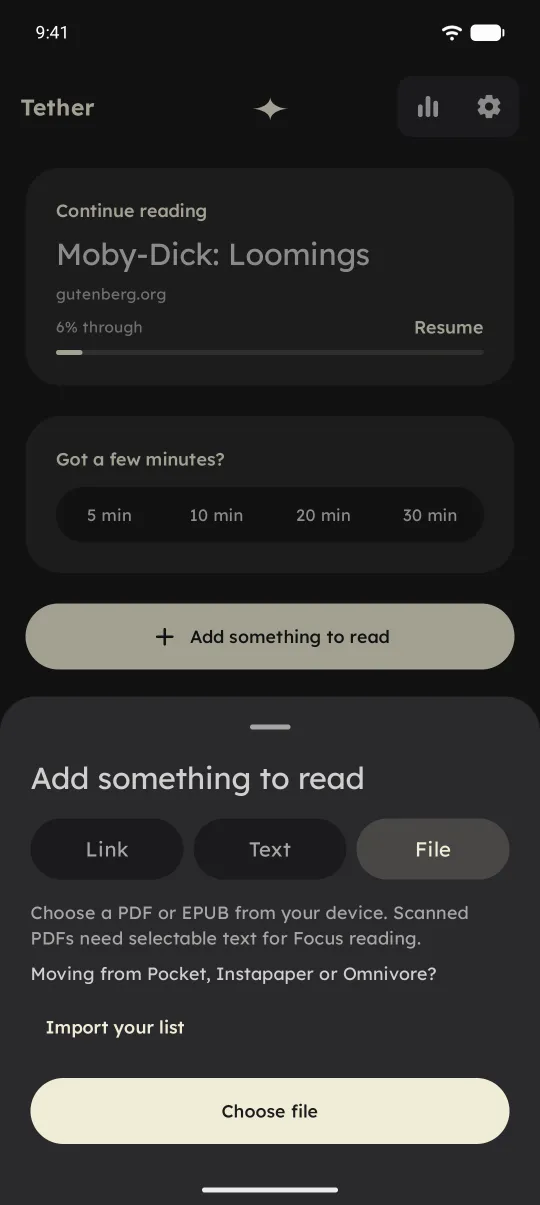
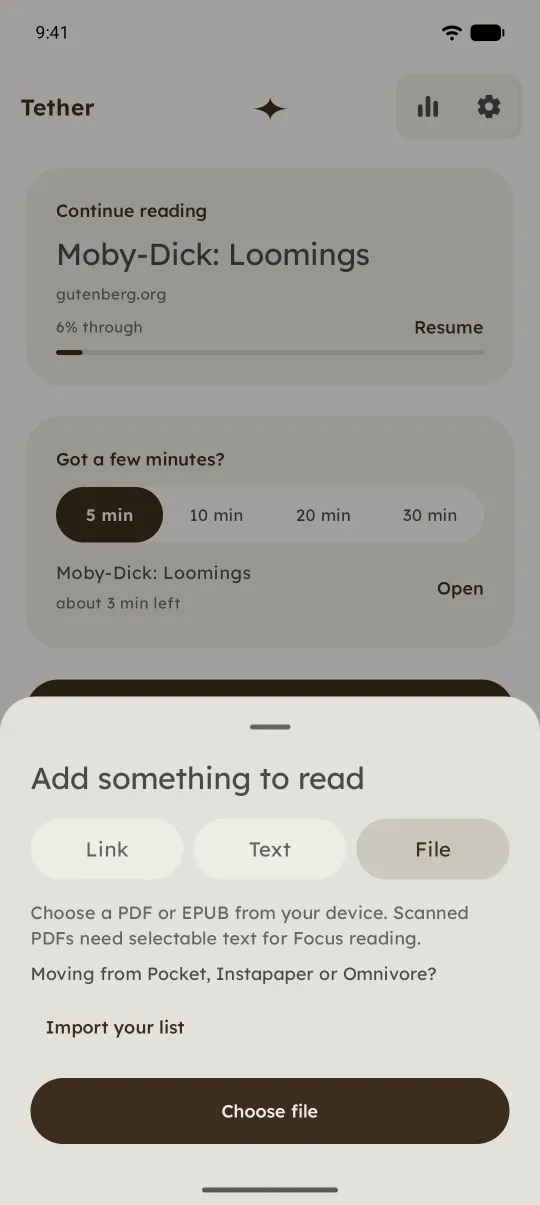
Flattening a paper with figures into plain text was never great. Tether now keeps the original PDF or EPUB and opens it in a proper reader with search, contents, page previews, bookmarks, and a two-page view in landscape. If you jump somewhere by accident, you can go back.
You can highlight in five colours and add notes. They're stored in Tether and never written into your file, which matters to me more than it probably should.
Listen Read aloud from any sentence, with the spoken word highlighted.
Select a sentence and choose Listen, and Tether reads aloud from there using your phone's text-to-speech. The word being spoken is highlighted, so you can follow along or look away. It works in articles, PDFs, and EPUBs, and the player shrinks to a small dock while you keep reading.
Articles never leave your phone now No more extraction server. Sign-in pages open in a temporary browser.
Earlier builds sent links to a small server of mine to pull out the article text. That's gone. Tether fetches the page and cleans it up on your phone, keeping images, tables, and quotes where they belong. Links shared from the Google app work too.
Some pages need a sign-in before they show anything. For those, Tether opens a temporary browser, you sign in yourself, and you import what's on screen. It doesn't get around paywalls, and the browser's cookies are wiped when you close it.
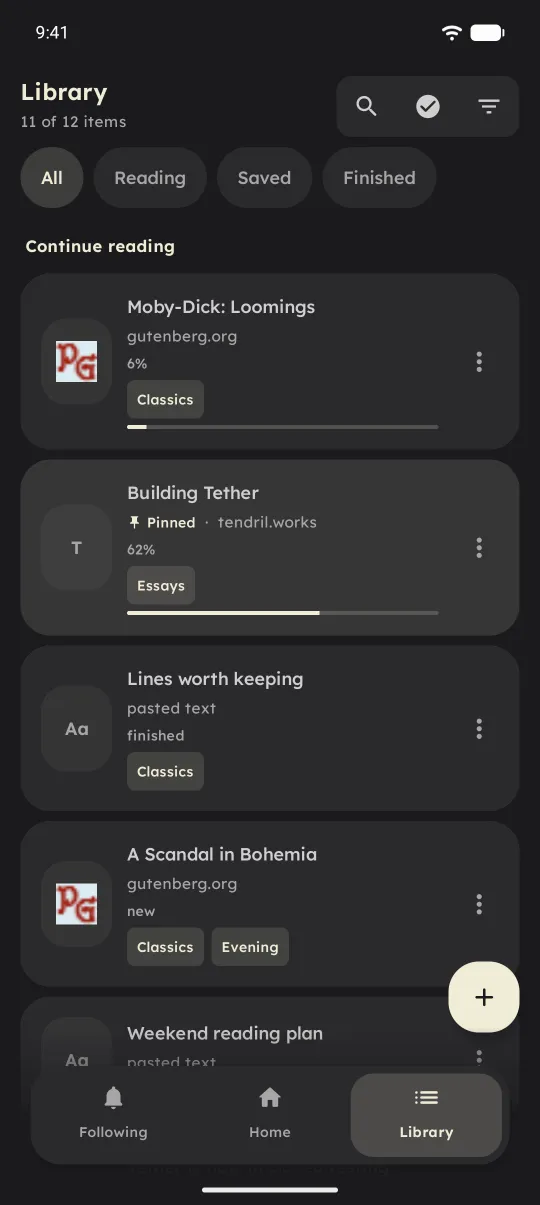
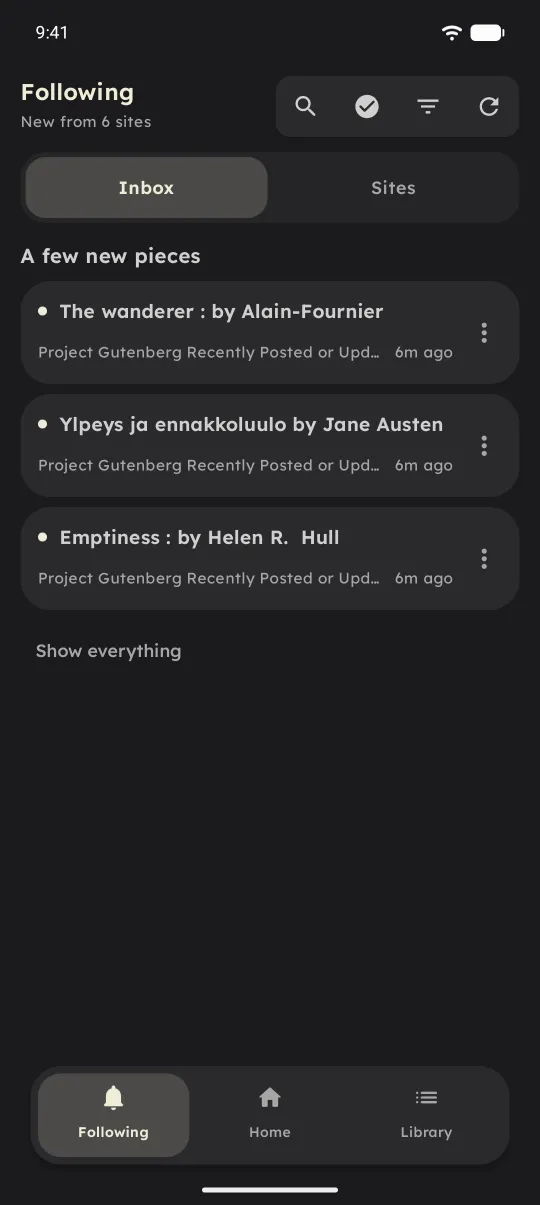
A tidier library, and a separate inbox Shelves, tags and folder import. Feed posts get their own inbox.
The library has Reading, Saved, and Finished shelves that sort themselves. Collections, pins, and tags are there once it grows, and website rules can file articles from a site into a collection for you. You can also point Tether at a folder on your phone and import a batch of PDFs and EPUBs at once.
Following is for RSS and Atom feeds, or paste a site's address and Tether finds the feed. New posts go to their own inbox instead of your library. You choose how often it checks: every 3, 6, or 12 hours, or only when you open it. Following, Home, and Library are a swipe apart.
Counting words honestly A weekly view where skipping to the end doesn’t count as reading.
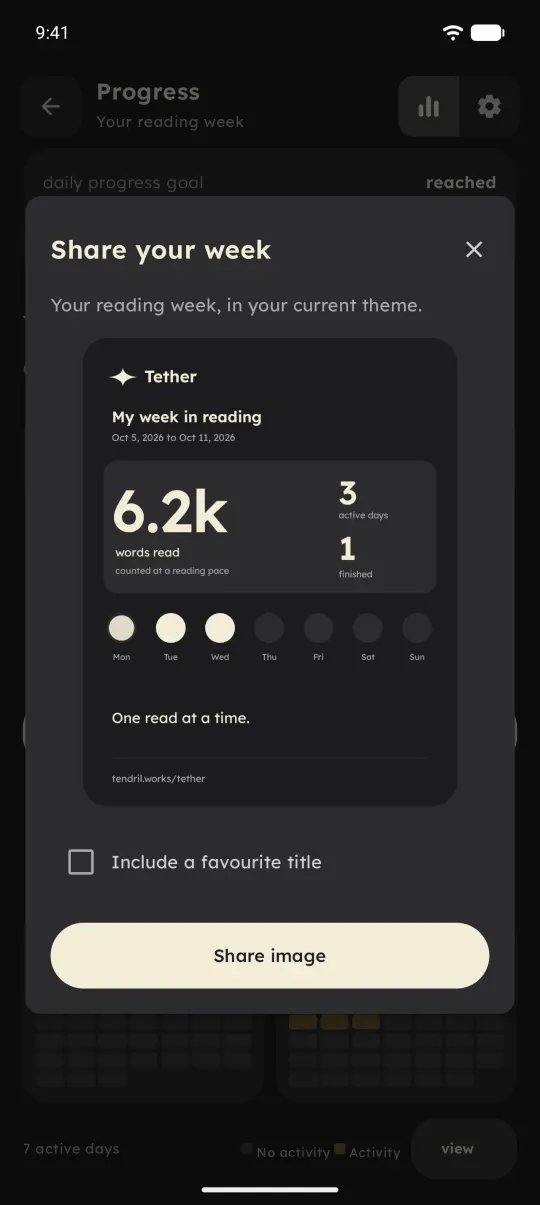
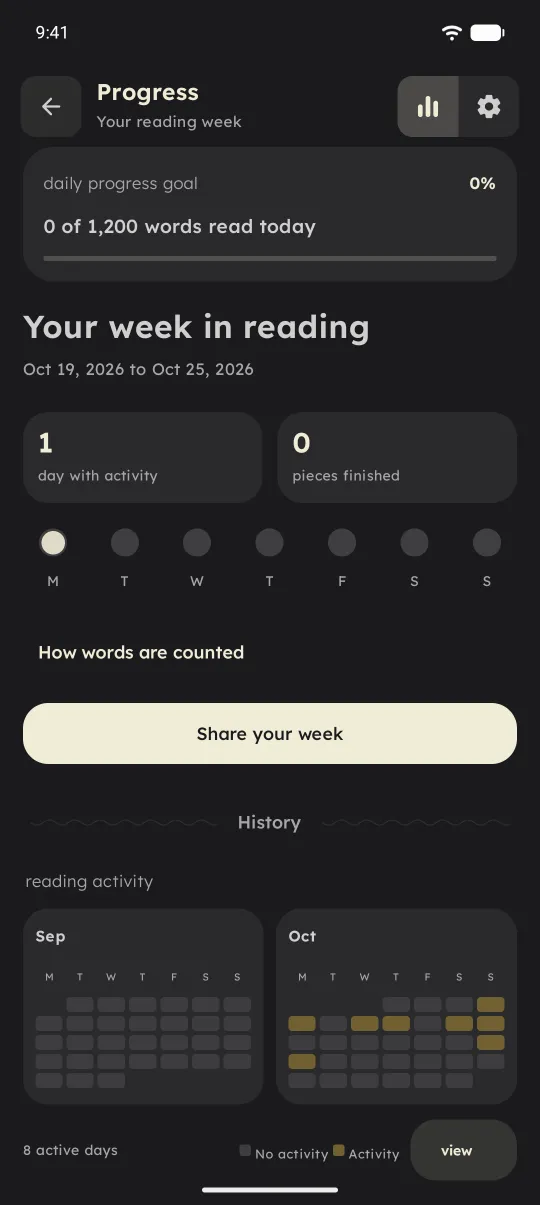
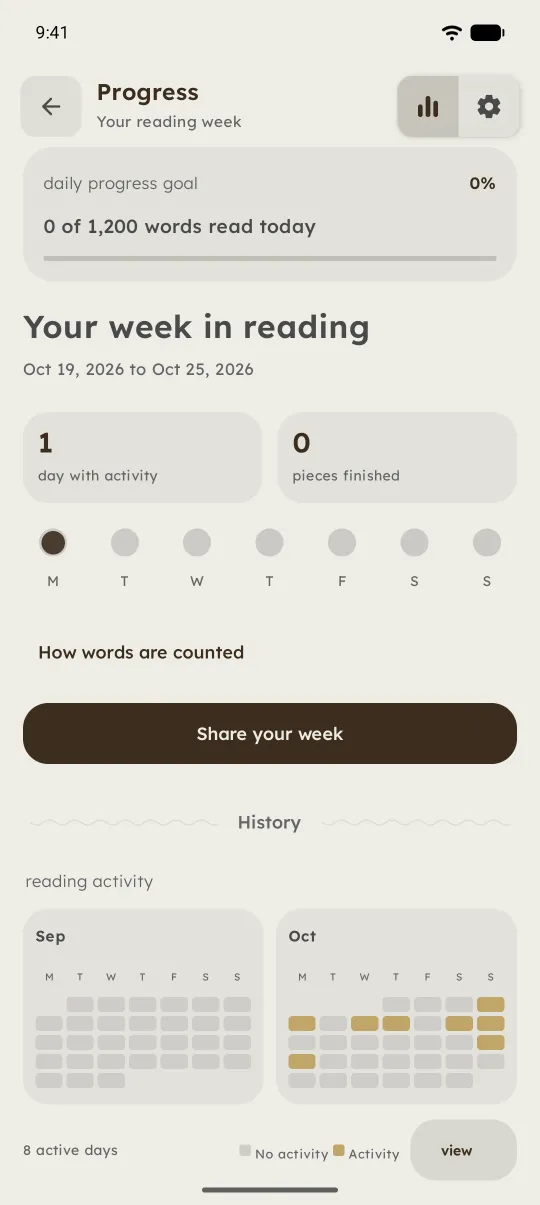
There's a weekly Progress screen now. I went back and forth on whether it should exist at all, because reading stats can easily become one more thing to feel behind on. I kept it because seeing "you read on four days this week" can be encouraging, as long as the number means something.
So if you open a long article and drag straight to the end, Tether won't credit you with ten thousand words. Words read are capped by the time you actually spent reading: no more than 600 a minute in Focus and 450 in Reader. Pauses don't count. Finishing something twice counts once.
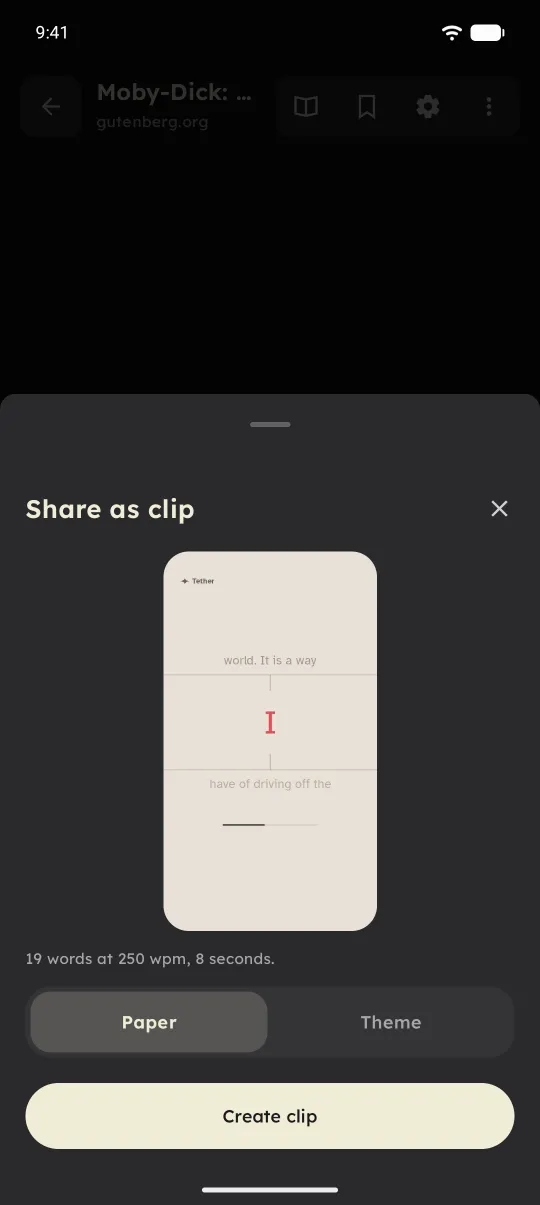
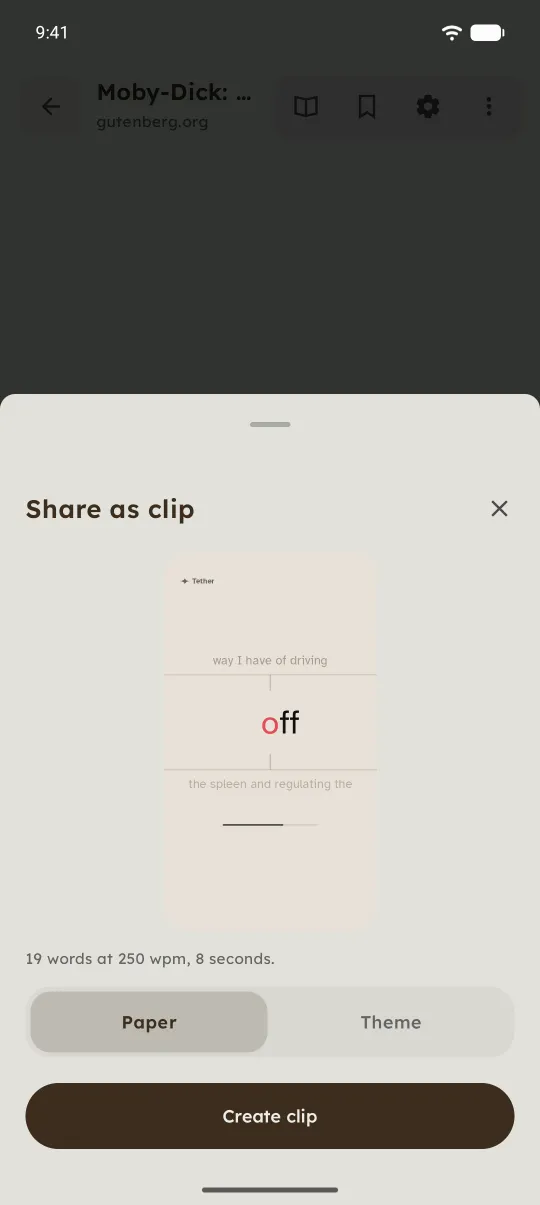
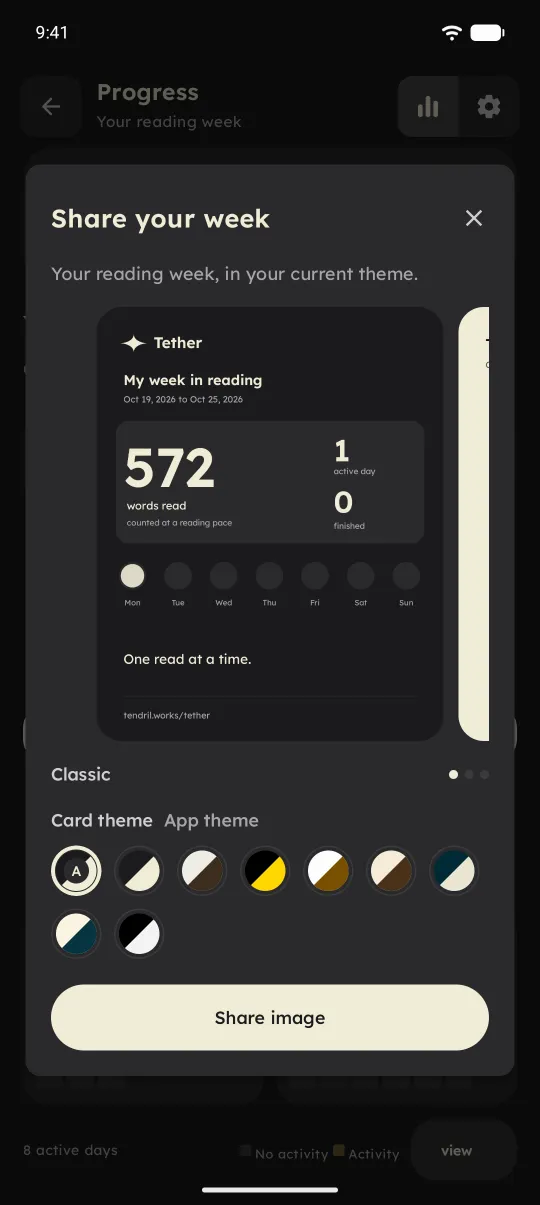
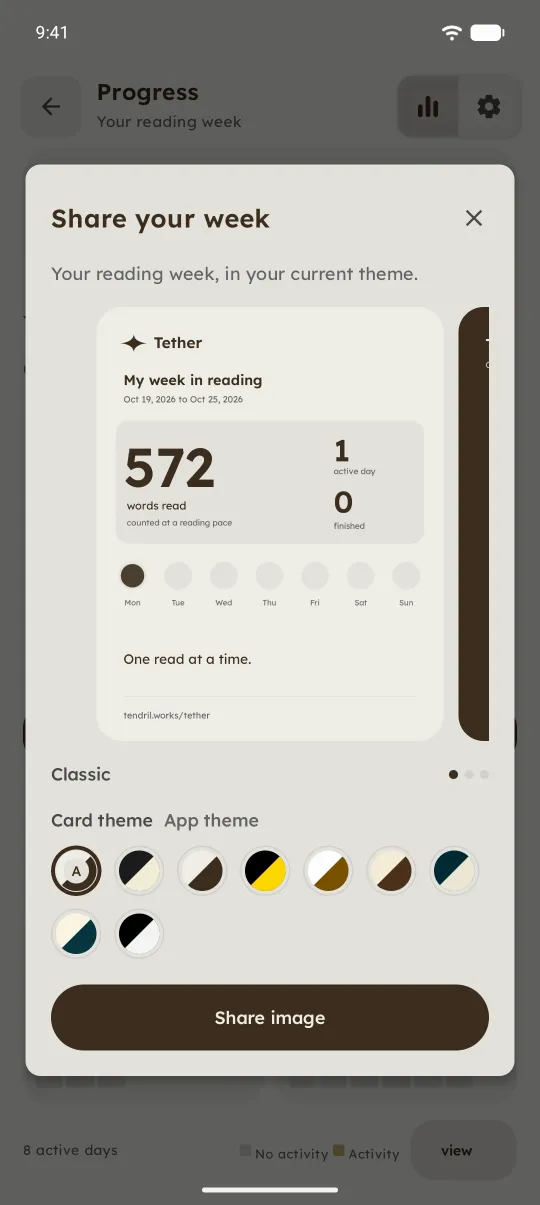
If you want, you can make a card of your week and share it. It's made on your phone, and titles stay off it unless you add one.
Quiet by default Reminders, notifications and sounds stay off until you want them.
Some defaults matter to me more than any feature. Reading reminders are off. New-post notifications are off, and when you turn them on they stay silent overnight. The completion sound is off. Haptics are on and easy to turn off. Motion follows your system setting, with Reduced and Off if animations bother you. TalkBack users get the full Reader, which works far better with a screen reader than flashing words.
Smaller things First-run choices, Read it again, swipe to delete, and a star.
- First run lets you pick a theme, a font, and a Focus preset, and shows a pace sample before you start.
- Finishing a piece shows a small completion screen with Choose next read and Read it again.
- Swipe a library item to delete it, with Undo.
- Each document has a details page with its cover or lead image.
- Tether opens with a little star that settles onto Home. Keep tapping it and something happens. I'll leave it there.
What's next
A lot of the testing so far has happened on emulators. They don't tell you much about scrolling on a mid-range phone, how notifications behave under aggressive battery savers, or what it's like to use the app every evening. That's the next job, along with listening to people who aren't me.
I'd rather fix what testers find than promise a long list of features. If you'd like to try it, Tether runs on Android 9 and later. To join, follow the three steps on the Tether page: join the Google group, opt in, then install from Google Play.
Try the closed test
Three quick steps, in order. No form and no email address to send me.
- Join the Google group Gives your Google account access to the test.Open the group
- Opt in to the test Use the same Google account you joined with.Become a tester
- Install from Google Play Once you've opted in, Tether is available to install.Open Google Play
If something breaks, reads oddly, or just feels wrong, open Settings and choose Feedback. It comes straight to me.
A look around the build, if you'd rather just see it.
Thanks for reading this far.