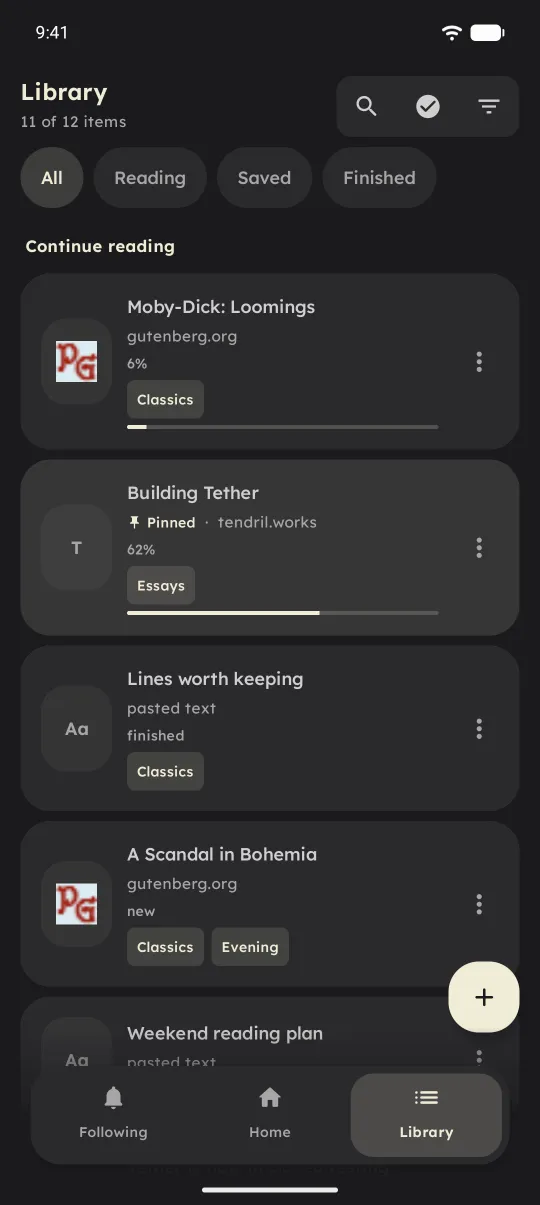
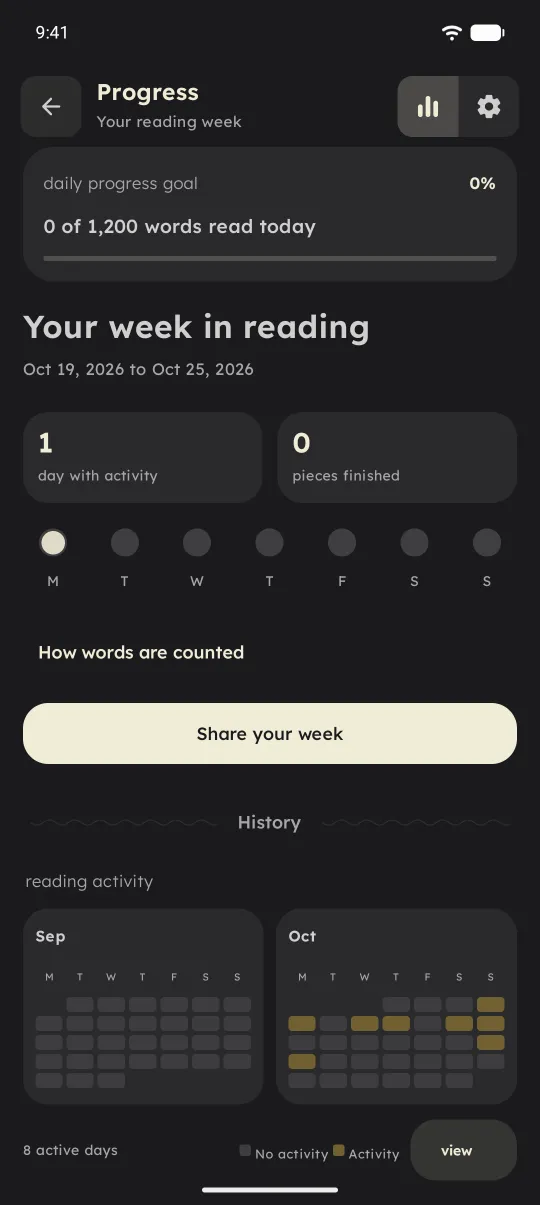
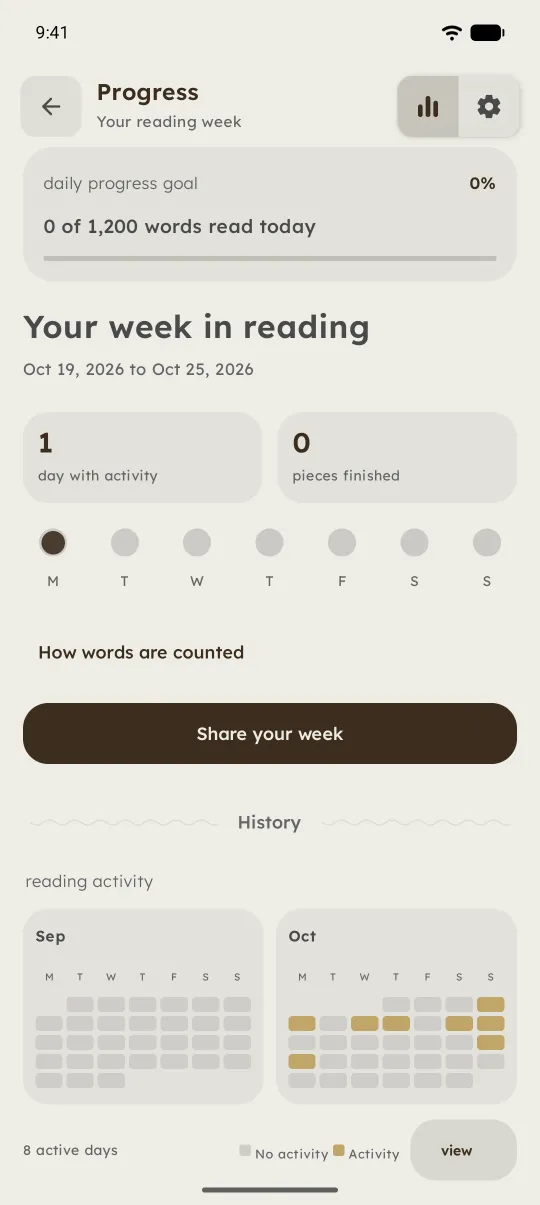
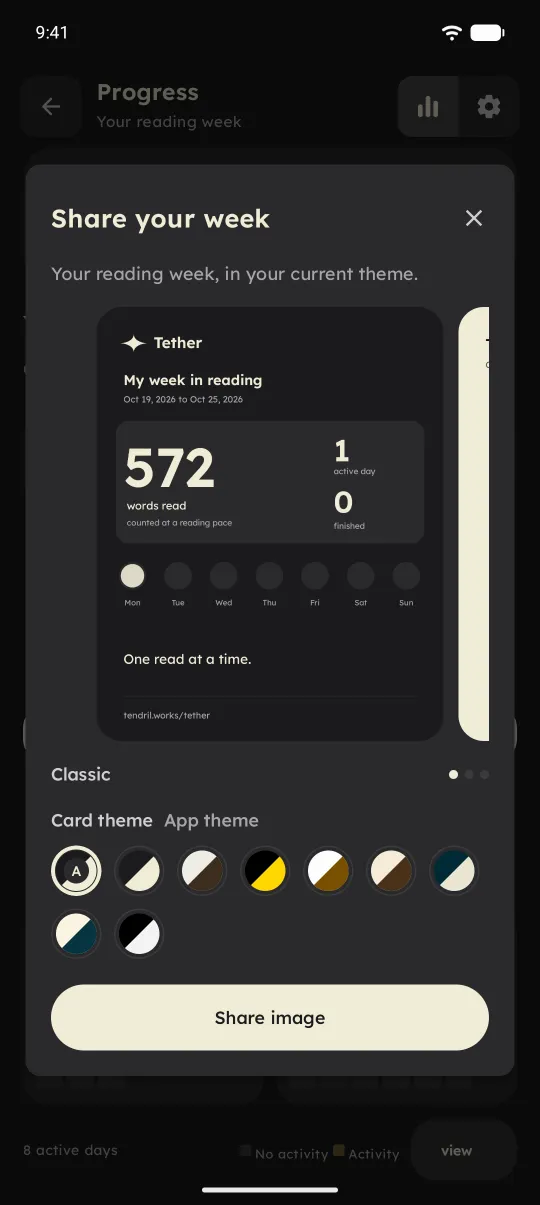
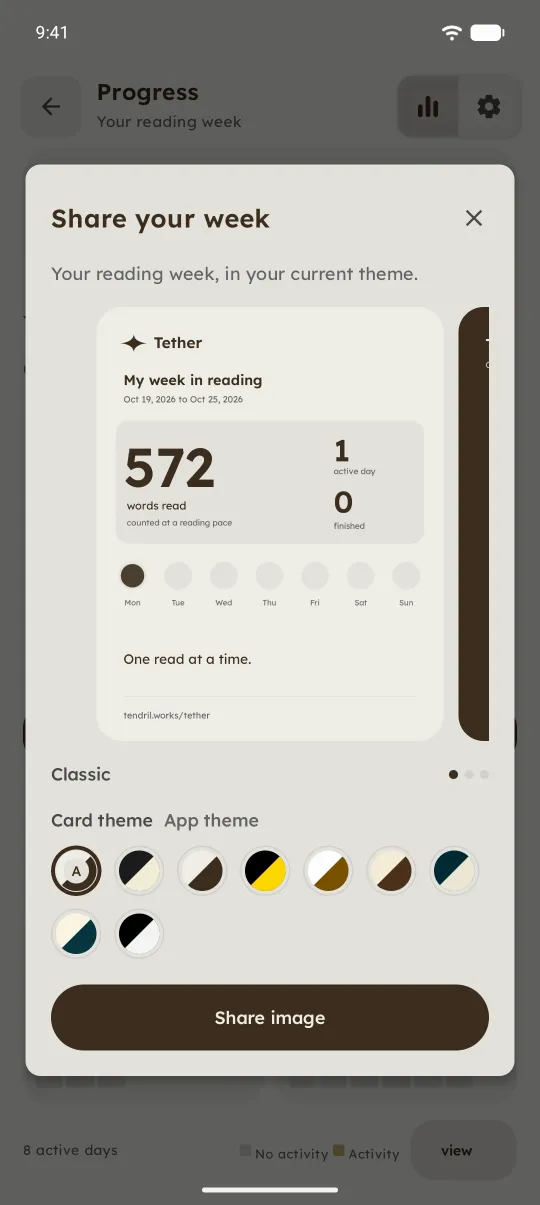
Google accepted Tether into production this week, and 1.0.0 is now on the Play Store. Closed testing started in June, with each tester joining a Google group and being let in by hand. That step is gone.
Testers last got 0.3.0-alpha.1. The two builds after it, alpha.2 and alpha.3, were prepared but never built, so 1.0 is the first time anyone sees that work. Here's what it adds.
Focus
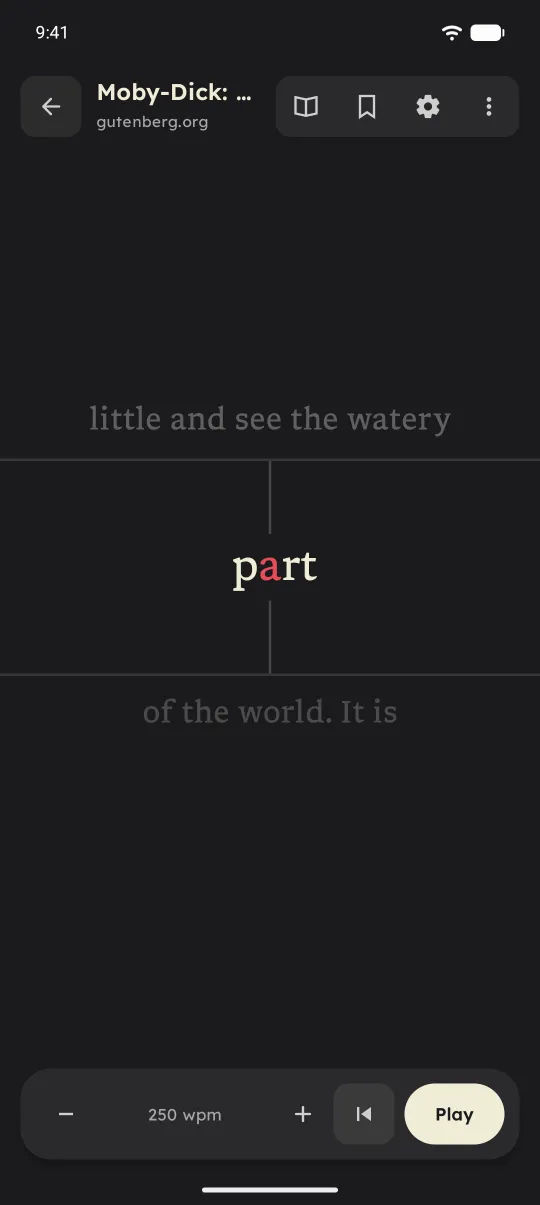
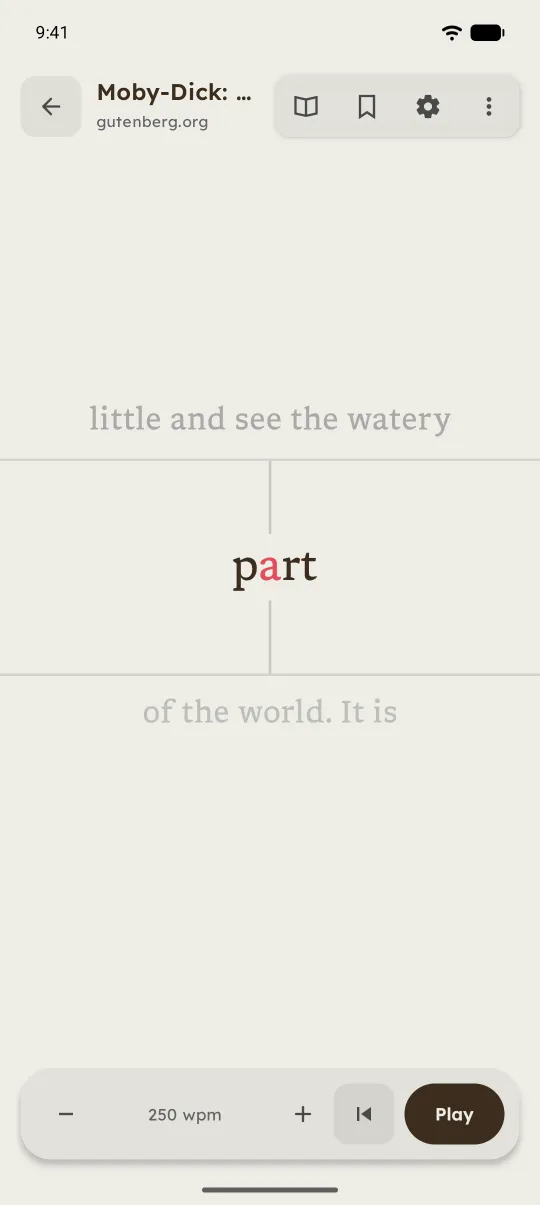
- Words are bigger by default. Pinch the word to change its size.
- New and unread pieces open in Focus first, and you can go back one sentence.
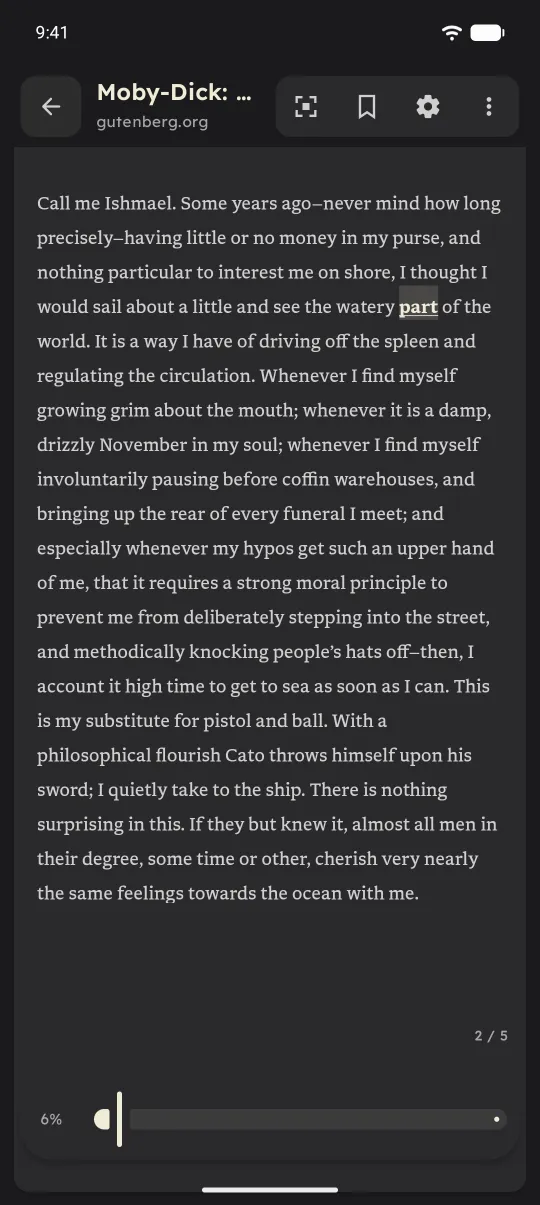
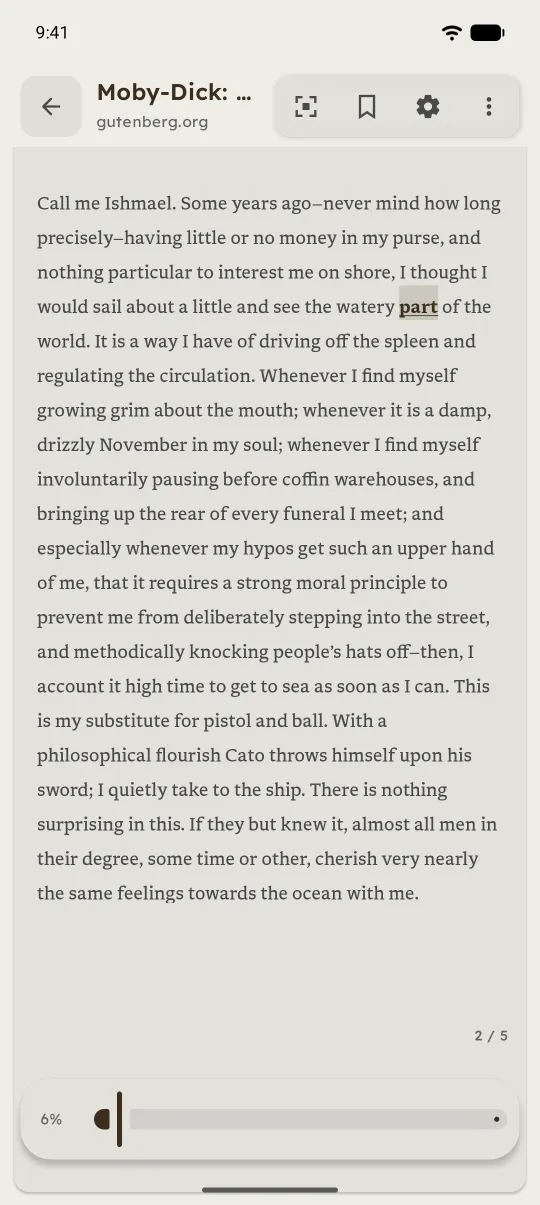
- Focus has the same top bar as Reader: title, mode switch, bookmark, settings, and a menu with Contents and Share a clip.
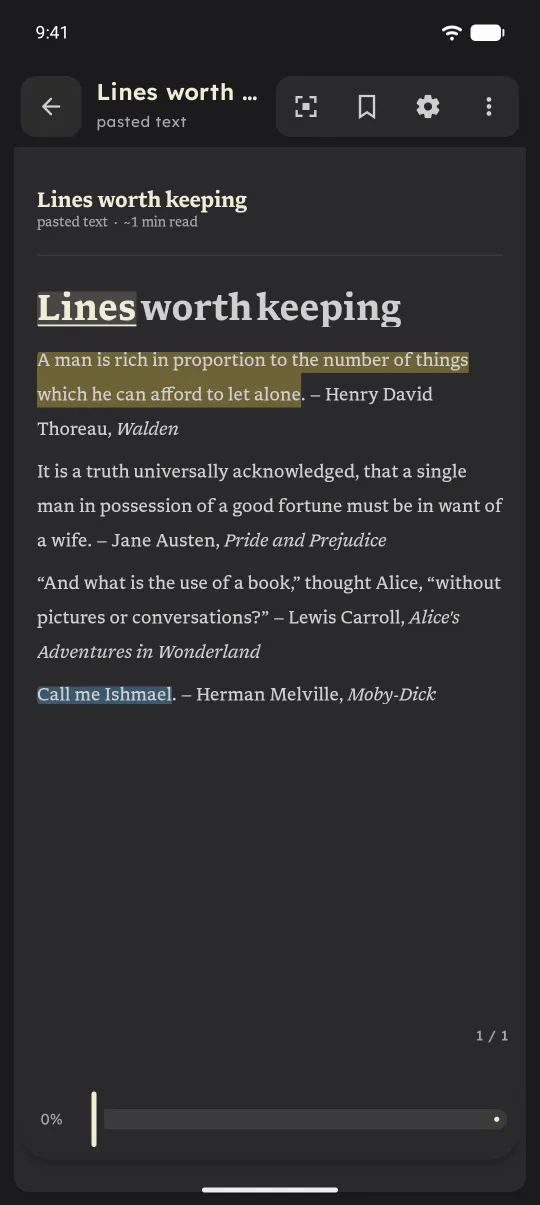
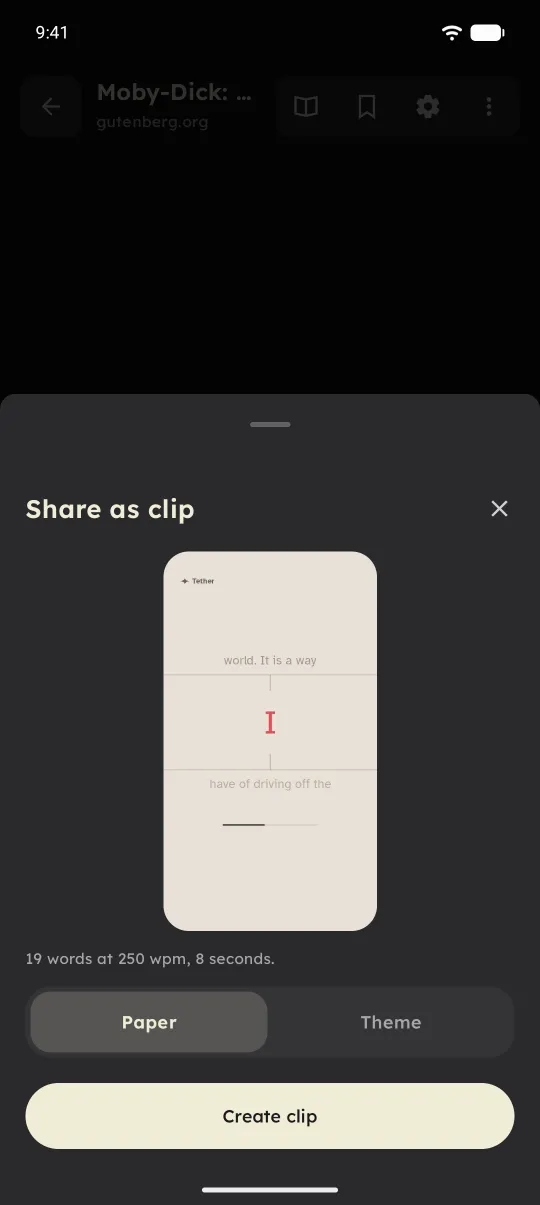
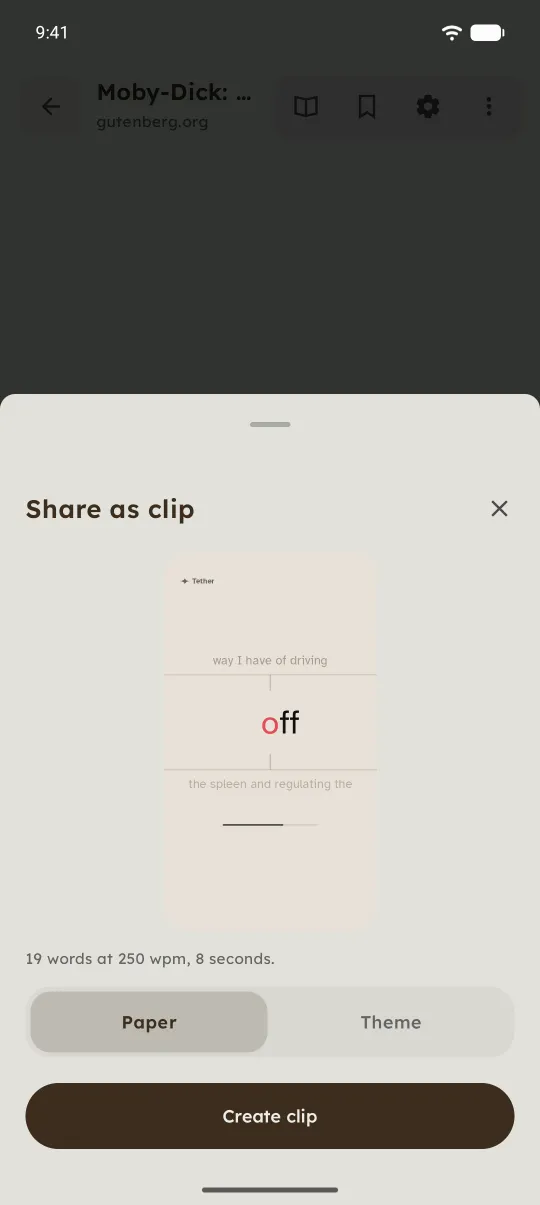
- Share a passage as a short Focus clip, from Focus or from a highlight.
- Words joined by an em dash now show one at a time.
Getting things in
- Share to Tether from any app, including news apps that share a picture with a link.
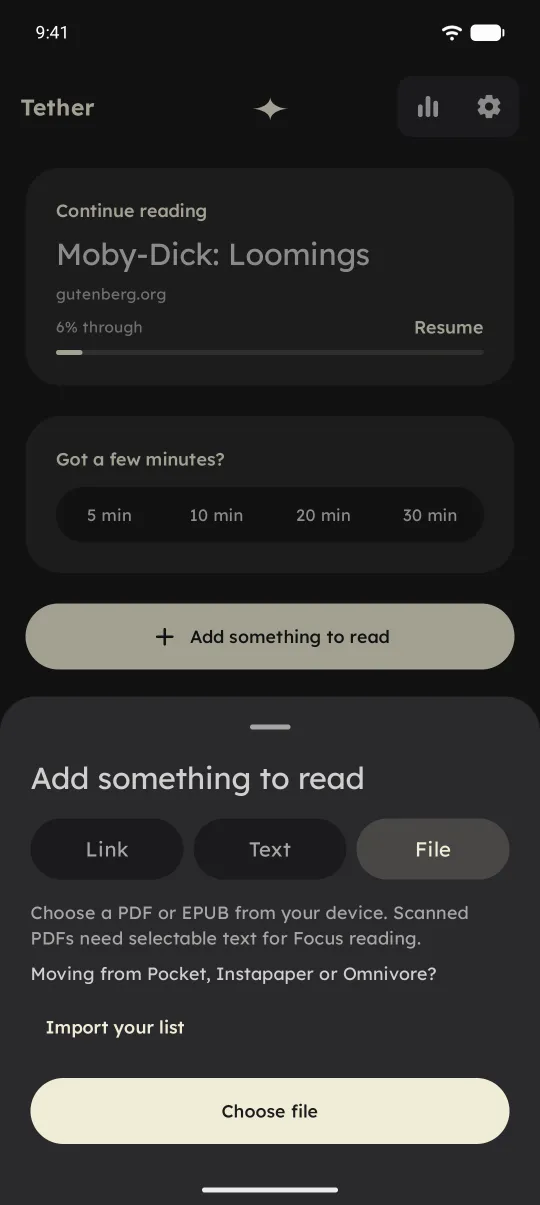
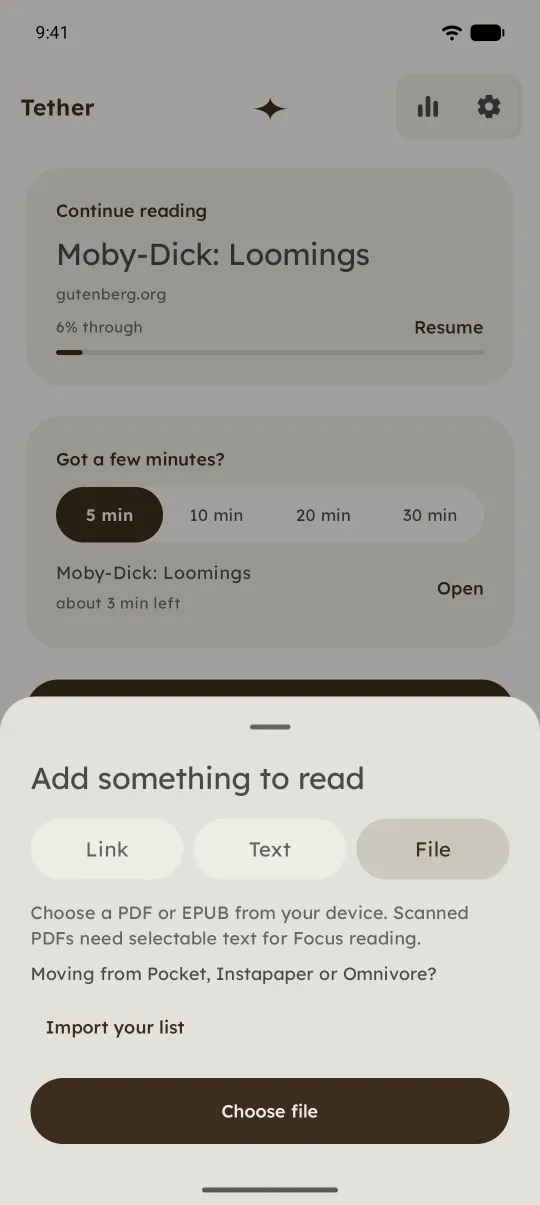
- Import your Pocket, Instapaper, or Omnivore export from the Add sheet or from Settings › Backup.
- Setup is two steps: how to share, then word size and speed on a live sample.
Reading and the rest
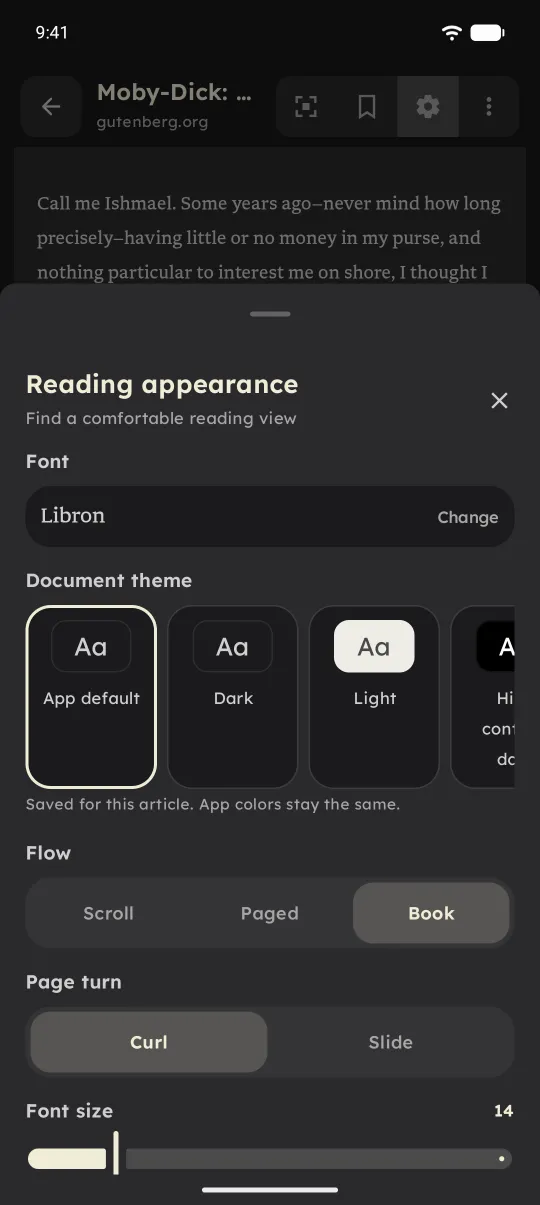
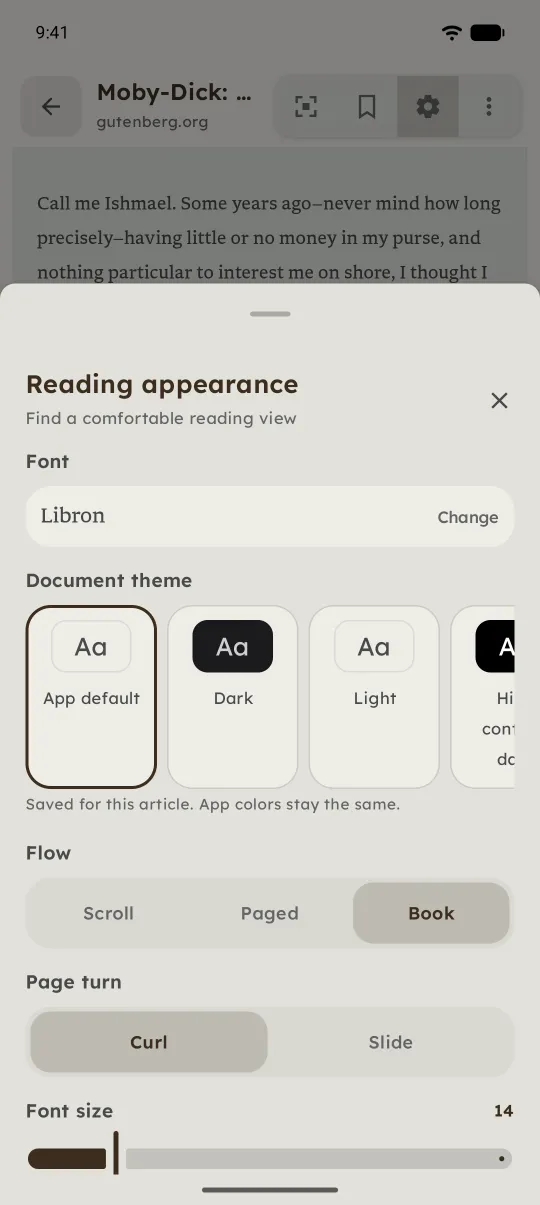
- Book layout pages curl as they turn. Slide is still there if you prefer it.
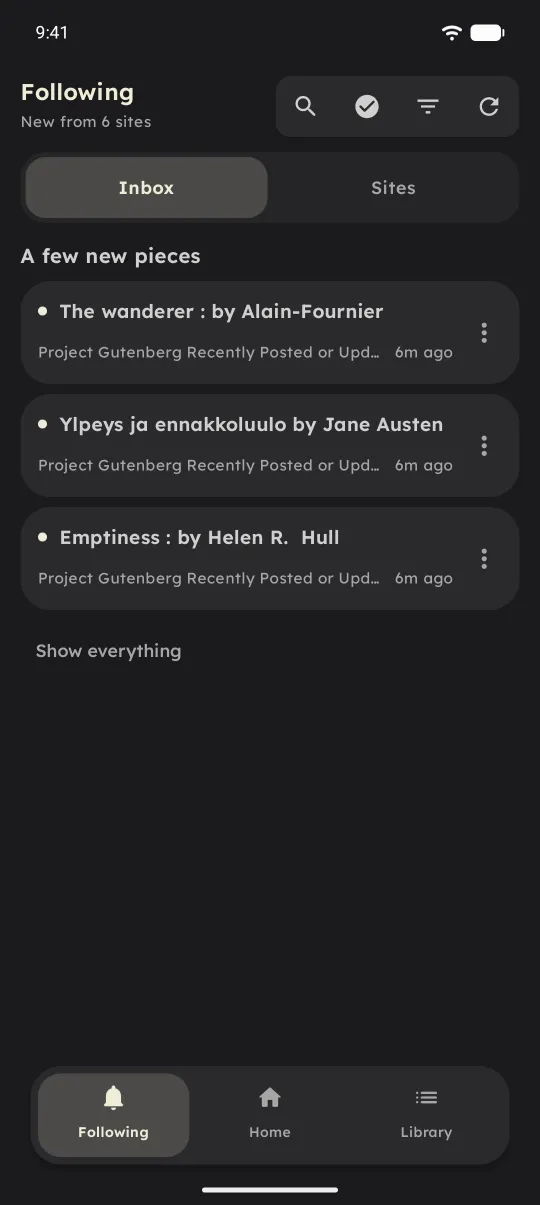
- Following talks about sites instead of RSS, suggests six to start with, and has no unread counts.
- Home's cards line up, and Saved for later shows the minutes left.
- The first time you finish a piece, Tether asks once whether it was easier than usual. Feedback can include an on-device reading log, with no titles, links, or text, only if you tick the box.
- Updates can install from inside the app.
If you were testing
Thank you. The bug reports, the strange PDFs, and the articles that wouldn't load are most of why 1.0 works as well as it does.
You don't need to reinstall. Tether updates in place and your library stays where it is. Test builds will still go to the Google group before they reach everyone, so staying in it means you see changes first. Leaving is fine too.
What's next
Fixes will go out as 1.0.x and new features as 1.1. If something breaks, the feedback form in the app is the quickest way to tell me.
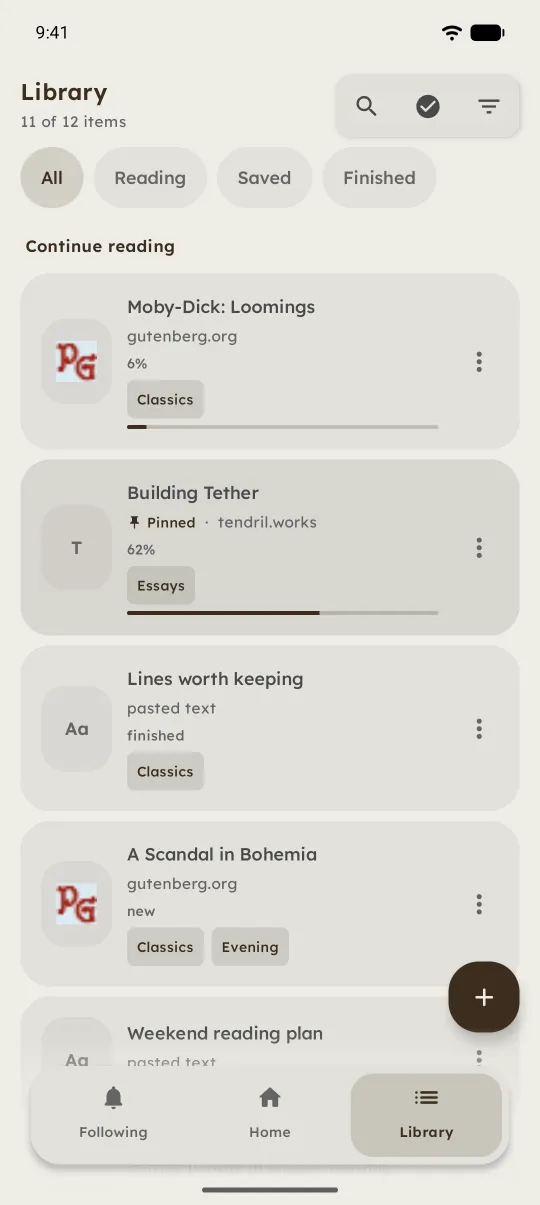
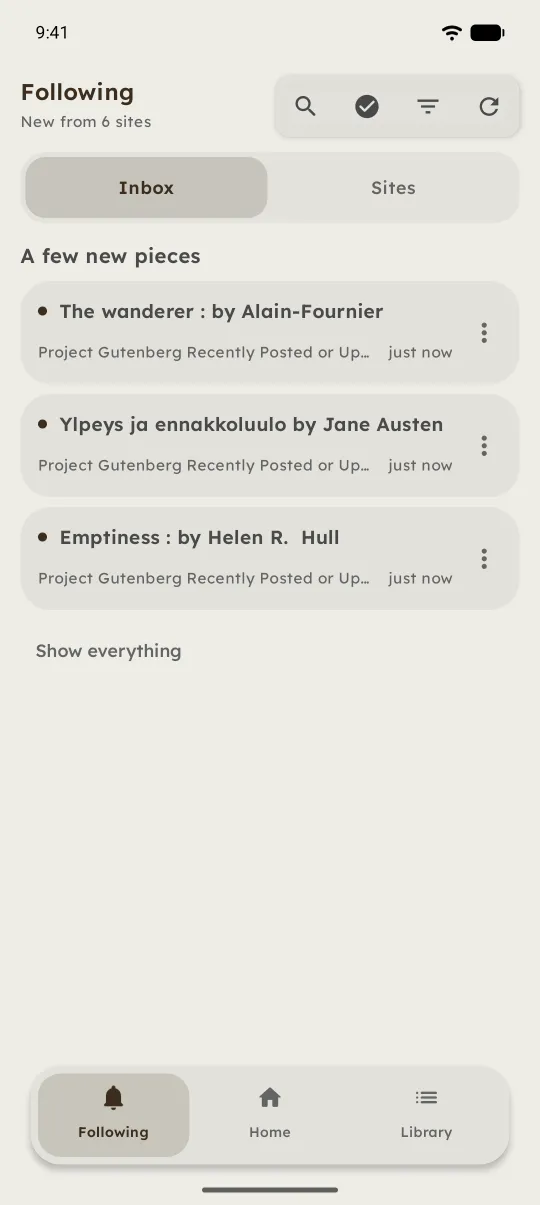
A look around 1.0.